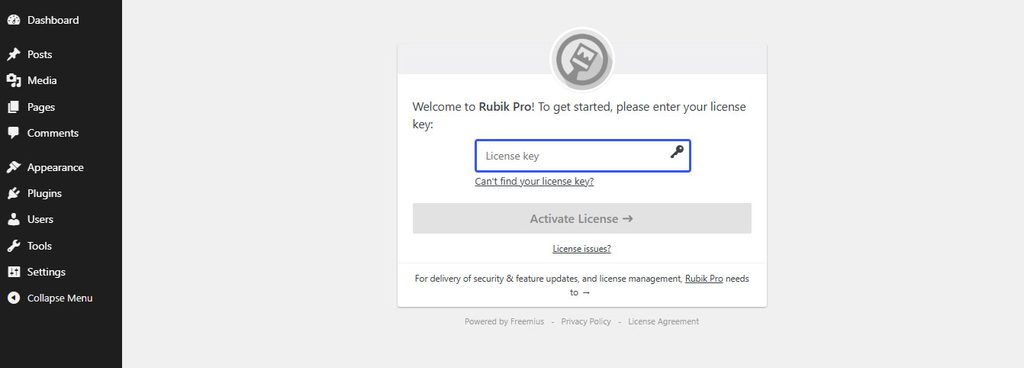
How to Install and Activate Theme? Go to Appearance – Themes. Click on Add Theme – Upload Theme – Choose File. Upload theme zip file and click on Install Now. Click on Activate. Enter the License Key. Click on Activate License. Doc navigationHow to Customize Top Header? → How can we help? Name Email Subject Message